
Year
2024
Client
Holy Name of Jesus School
Project Type
UX/UI Design
TEST THE PROTOTYPE
Watch the Process Video
The Problem
The Holy Name of Jesus School (HNJ) uses an educational digital platform—Linktivity—that incentivizes students to learn through modules. However, these modules are often text-heavy, not visually appealing to kids, and do not encourage kids to be active learners.
Competitive Analysis
Before designing anything, the team conducted a precedent study comparing the three learning platforms HNJ used — LINKtivity, Blooket, and Prodigy — to understand the full spectrum to find the sweet spot between educational and engaging.
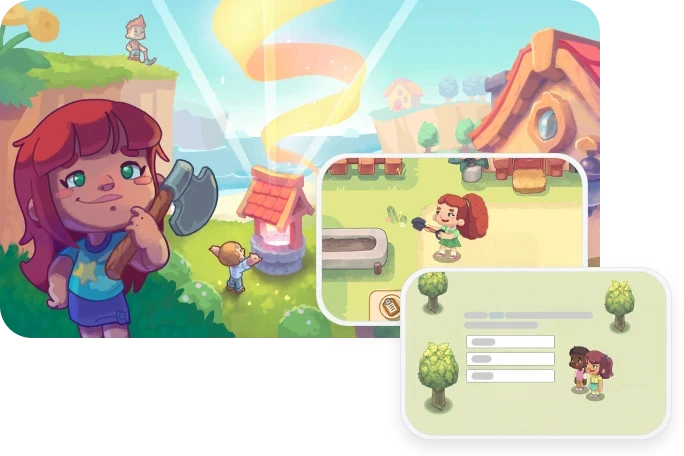
LINKtivity
A multimedia online textbook — read first, test at the end. Strong on content delivery, weak on motivation and active learning. Students found it "sometimes too detailed."
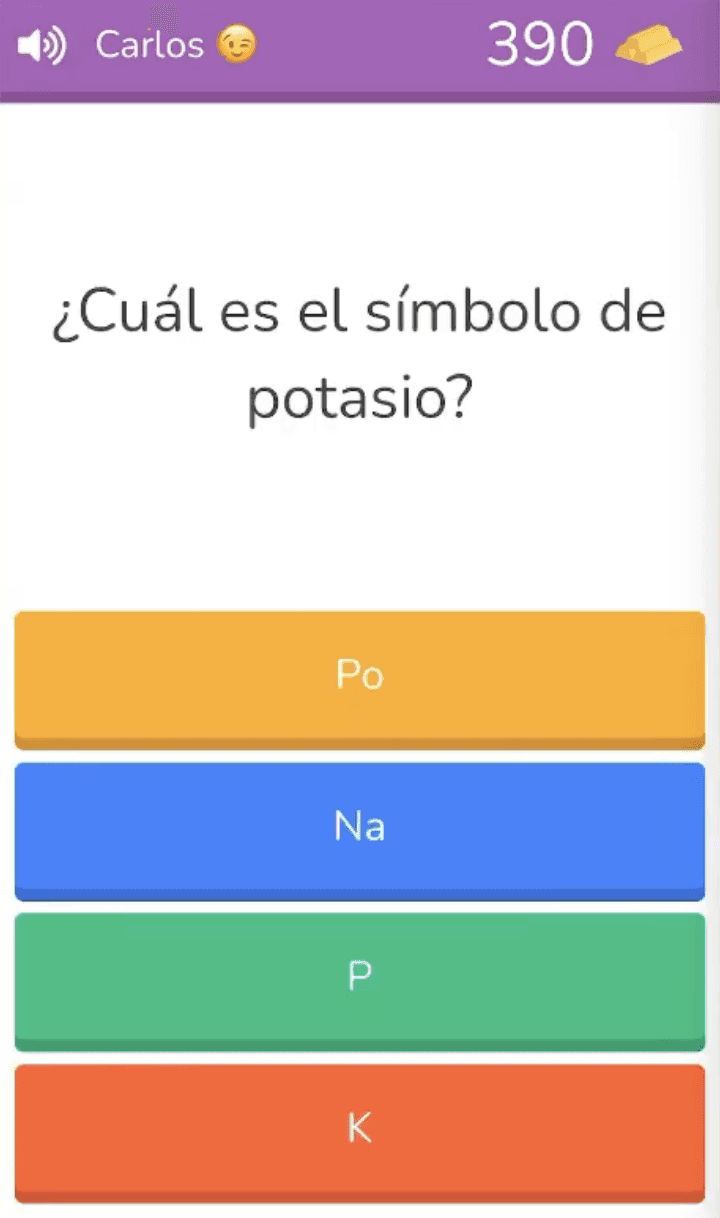
Blooket
User-generated multiple choice quizzes with bonuses tied to the amount of questions answered correctly. Fun and motivating — but students described it as "too intense" with too much happening at once.
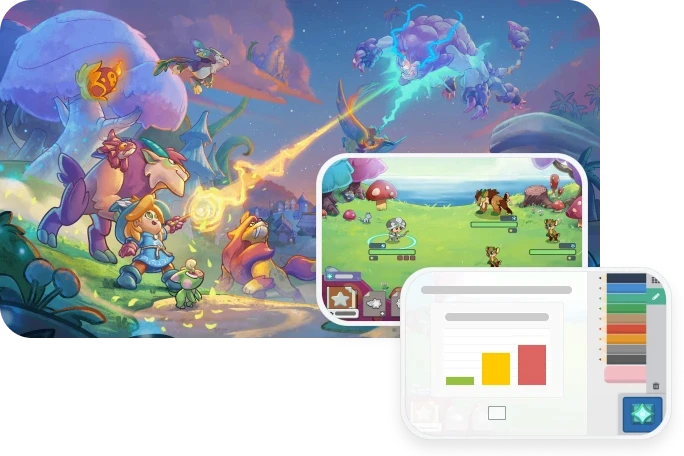
Prodigy
Battle-based math and crafting-based ELA with RPG progression. Best at long-term engagement — but teachers flagged that the game overshadowed the learning.


Interviews
Beyond the platform comparison, the team also interviewed teachers at HNJ and a 4th grade student named Erin.
Two consistent themes emerged: teachers wanted active, hands-on learning with collaborative tools — and students wanted a sense of progress, short tasks, and gameplay that felt connected to what they were actually learning in class.
Teachers
Teachers were frustrated with text-heavy, passive tools and emphasized the value of writing, drawing, and hands-on activities as learning reinforcement.
Student
Erin (age 9) loved the sense of advancement in Prodigy and I-Ready — but disliked repetition and being penalized for finishing early. She wanted exploration, not restriction.
Key Takeaway
The core design challenge: make our educational platform compelling without making the game the main focus.
The Opportunity
This presents an opportunity to create a brand new learning platform with the following design goals, while following the standards set by the Louisiana Department of Education for Social Studies. Some of the goals for this project include:
Collaborative Learning
Promote peer discussion and physical student interaction — not solo screen time.
Activity-based Comprehension
Demonstrate understanding through hands-on learning — minigames, drawing, etc. — not just multiple choice.
Stimulating Visuals + Games
Make the world feel worth exploring — through handcrafted art, character dialogue, and setting-based discovery.
The Process
The design process followed three distinct phases, each one expanding on the concept and the visuals, thanks to feedback from teachers and students from HNJ.
Brainstorming
& Sketches
The team brainstormed broadly — exploring what shape a new platform could take.
The breakthrough idea was dividing subjects into "islands" that students navigate between, with each subject further divided into units within that island.
Due to time constraints, the team narrowed focus to one unit from the History Island.


Low-Fidelity
Prototype
Topic: California Gold Rush
The first interactive prototype explored the core features of the platform — menu navigation, visual language, setting exploration, character dialogue for information, and minigames as quizzes.
The goal was to make learning feel driven by curiosity rather than obligation.


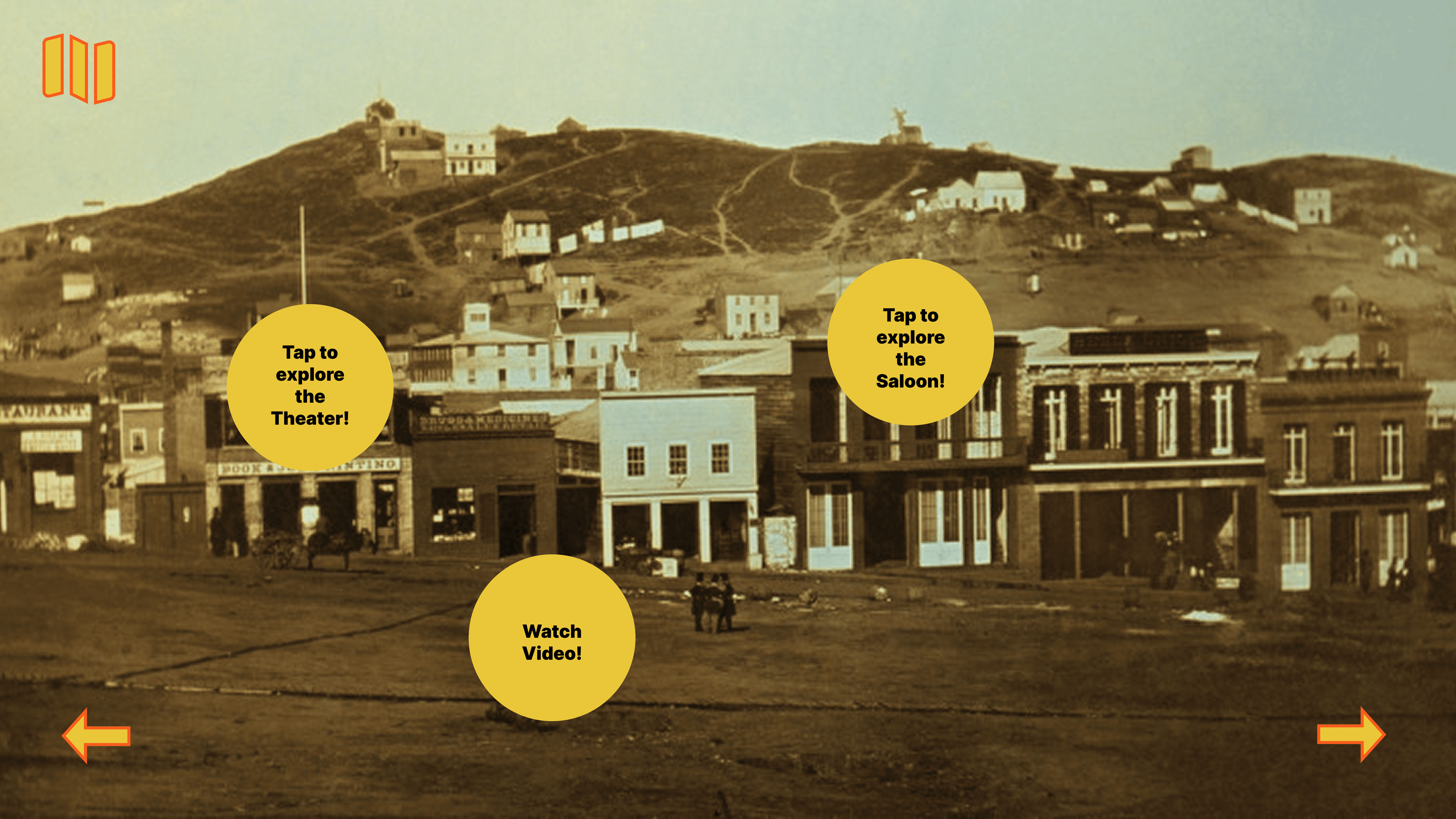

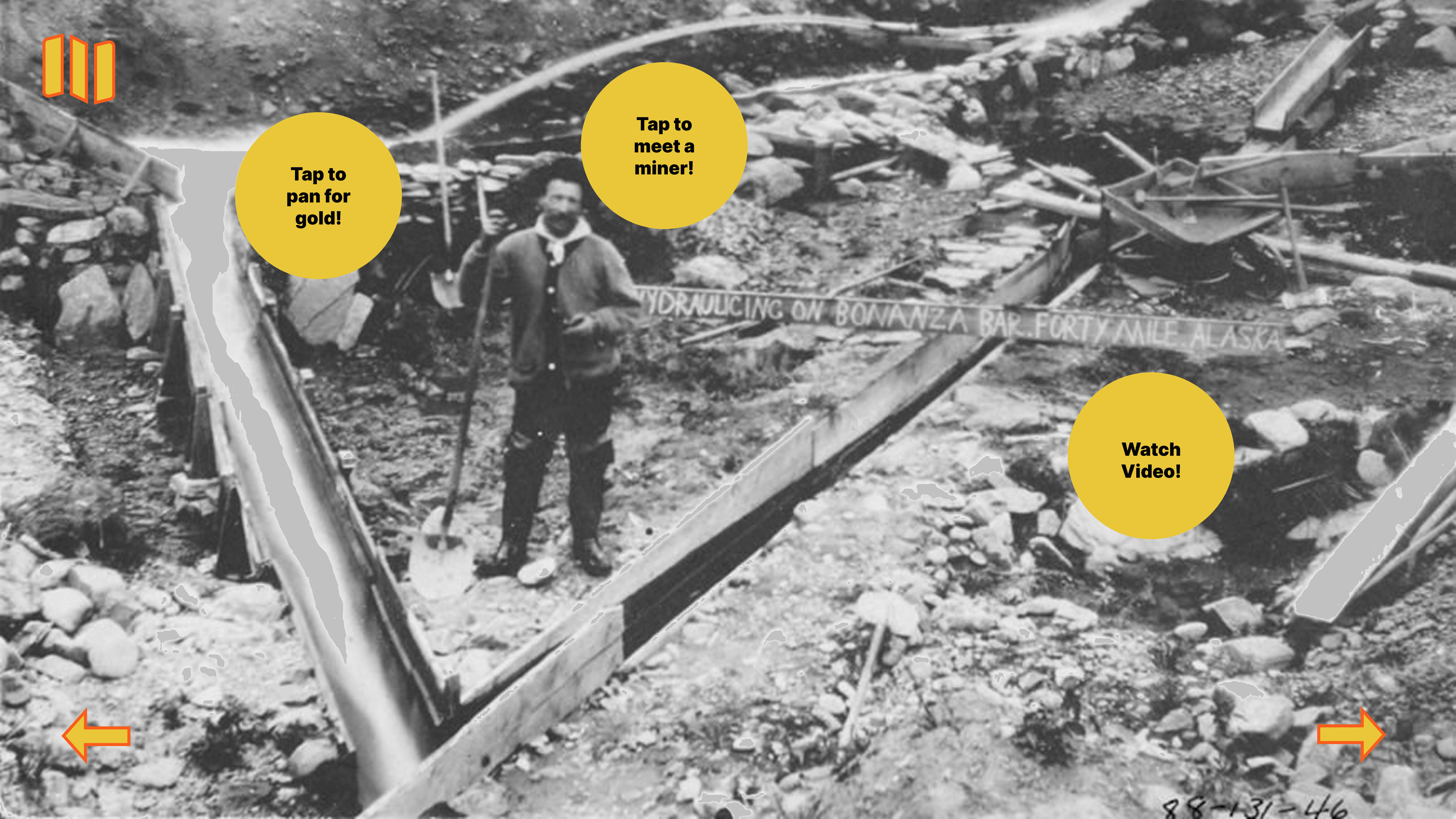
Some of the feedback from Instructor and HNJ teahcer after our lo-fi review included:
1
Include more notable historical figures to increase engagement and educational depth
2
Ensure accessibility — larger text, clearer language, and a read-aloud feature throughout
3
Make instructions visually distinct from body text — use color or formatting to differentiate them for young readers
4
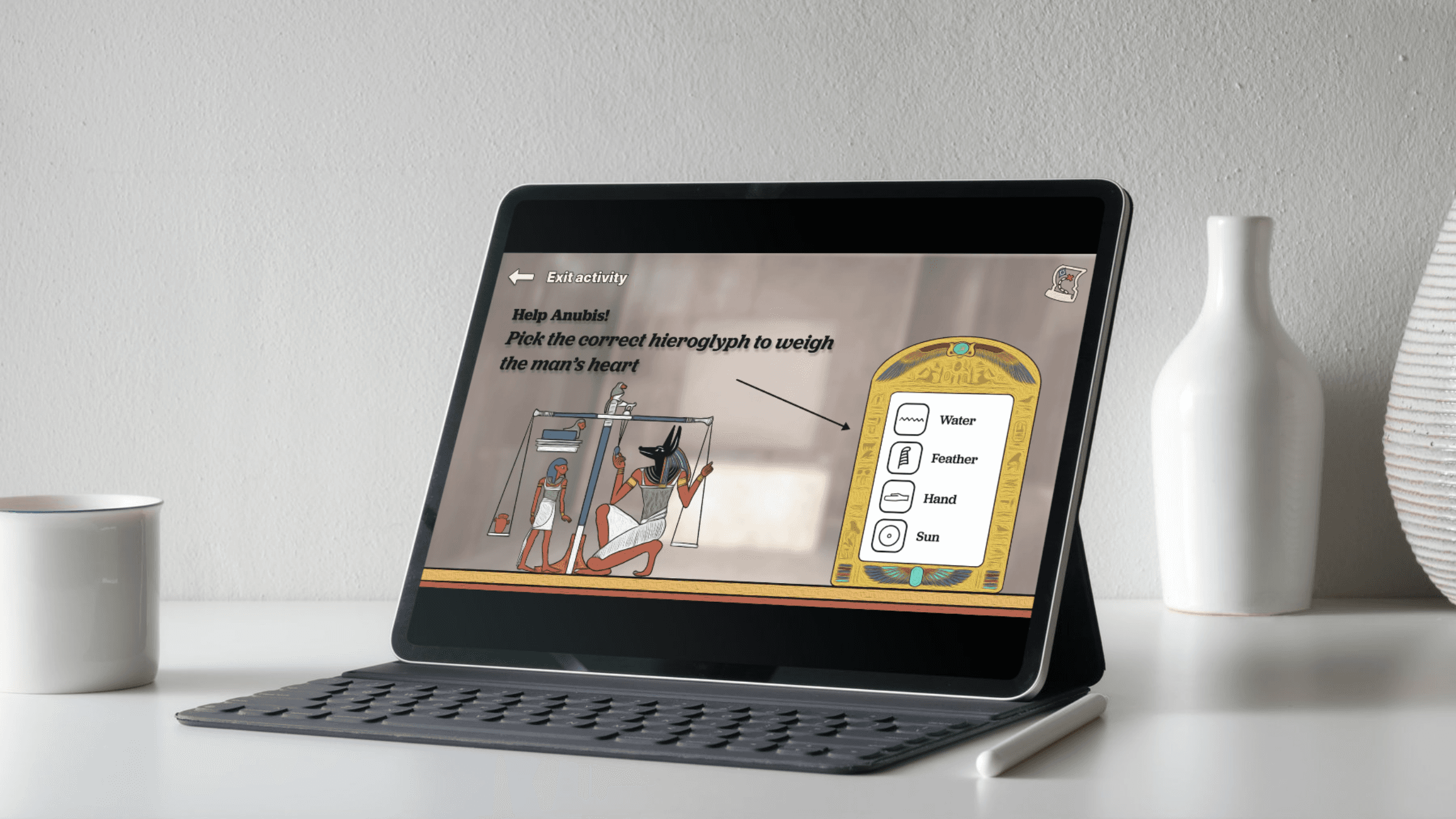
Add visual indicators during minigames that connect the instruction to the required action
5
Make questions harder and more substantial to genuinely encourage student discussion and collaboration
High-Fidelity
Prototype
Topic: Ancient Eggypt
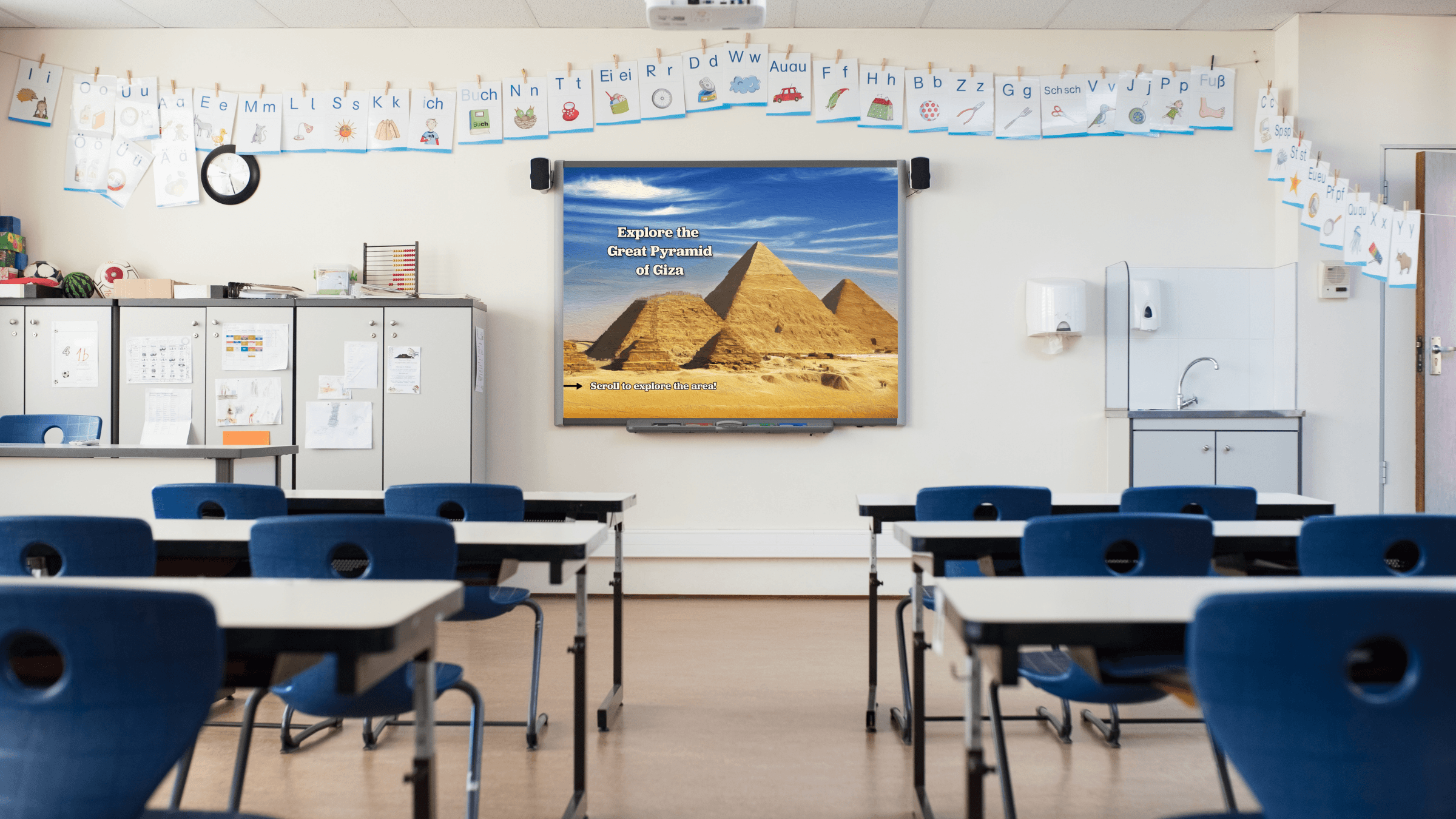
After teacher and instructor feedback on the lo-fi, the team pivoted the subject from the California Gold Rush to Ancient Egypt — a better fit for Louisiana educational standards.
Using Photoshop and Adobe Fresco, the team created hand-drawn backgrounds and original character designs to achieve the cartoon-esque aesthetic.
Three explorable locations were fully built out, and the read-aloud feature was implemented on every screen. A companion workbook was also developed.


Visual Language
To unify the various, different assets (either hand-drawn or gathered from the internet), we used Adobe Fresco to color correct and to apply a filter that gives background images a painting-like texture.
Design choices—such as text size, weight, and color, user language, micro-animations and micro-interactions—were all considered with the target audience in mind.
Feature Overview


User Testing
We hosted a workshop, where HNJ students tested our high-fidelity prototype. Two different groups, comprised of 3-4 students each, tested our learning platform.
Students were extremely engaged with the module
They showed extreme determination to work as a group to get the correct answer in the minigames and the workbook
The read-out-loud feature was used numerous times in the digital platform.
Weaknesses
Students gravitated more to drawing activities in the workbook.
Despite our best attempts to make the instruction visually different from the rest of the text, some of the kids still could not identify the instructions from the rest of the elements.
Final Delivery
To restart the prototype, please press 'R' on your keyboard. Please make sure to unmute your device as well.
My Contributions
This was a collaborative class project. Here are my specific contributions — spanning game design, illustration, accessibility, and production.
Minigame Ideation and Creation
I designed and built two minigames: the Papyrus-making game and the Anubis minigame. I also ideated the concept for the Caste System minigame. Each was designed so the gameplay and the lesson were inseparable.
Visual Indicators
and Voice Acting
I implemented the visual indicators that connect on-screen instructions to required actions — a direct response to lo-fi feedback. I also provided most voice acting for the read-aloud feature, giving characters a distinct presence.
I gathered and organized assets across the project, contributed to maintaining background visual consistency, and produced the final process video—using Premiere Pro—documenting the team's work from research to delivery.
Latest Project